


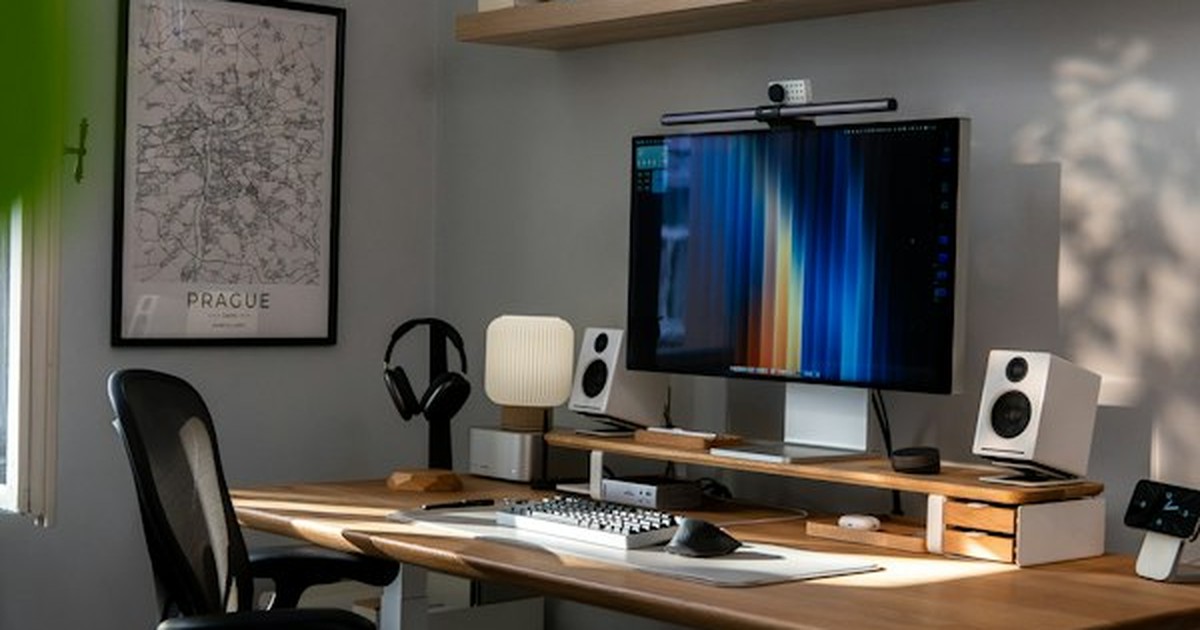
Designing an ergonomic home workspace setup is essential for spinal health and cognitive focus. With remote work standard in modern life, professionals spend long hours seated before displays. Uncalibrated dining chairs and desks subject the musculoskeletal system to biomechanical stress, leading to repetitive strain injuries, headaches, and lumbar disc pain.
Human anatomy did not evolve for static hunched posture. Configuring your workstation around biomechanical principles—neutral joint angles, lumbar lordosis support, and focal alignment—eliminates muscular strain, boosts energy, and preserves long-term spinal health.
Biomechanical Principles of the Neutral Posture Zone
The foundational concept of office ergonomics is the neutral posture zone—the structural alignment where musculoskeletal joints experience the least gravitational resistance, connective tissues are unloaded, and internal muscle groups achieve balanced equilibrium. In neutral posture, the spine maintains its natural “S” curve rather than slumping into a collapsed “C” curve.
Key anatomical markers of the neutral seated posture include: feet resting flat on the floor with knees flexed at 90 to 100 degrees; thighs parallel to the ground with two inches of clearance between seat edge and the back of knees; pelvis slightly tilted forward; elbows bent at 90 degrees with forearms resting horizontally; and wrists straight without upward or lateral deviation while typing.
Monitor Height and Visual Ergonomics Calibration
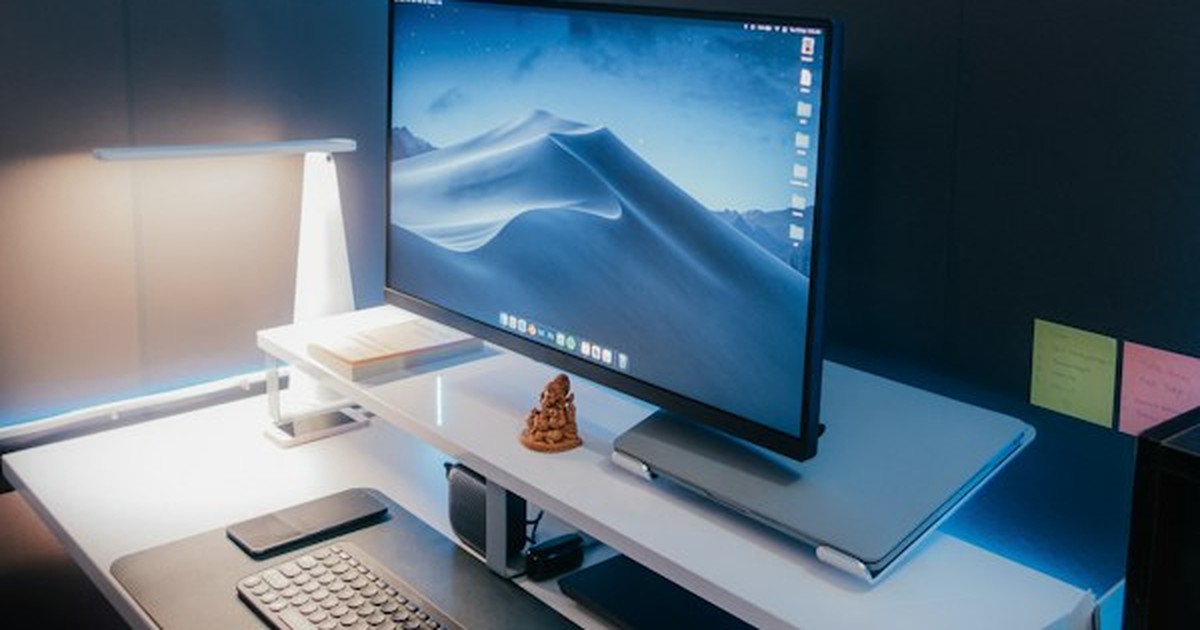
The position of your display monitor dictates the posture of your entire upper body. Because the human visual system prioritizes clear sightlines, neck muscles contort into forward head posture if screens are positioned too low or off to one side.
Calibrate monitor height so that the top third of the active display sits exactly at or slightly below horizontal eye level. When looking at the center of the screen, eyes should maintain a slight downward gaze angle of 15 to 20 degrees, which keeps eyelid exposure minimal and helps prevent dry eye syndrome. Position the monitor at an arm’s length distance (approximately 20 to 28 inches) directly centered in front of your keyboard to eliminate rotational strain on cervical vertebrae.
Desk Height and Forearm Articulation
Standard commercial desks are built to a rigid height of 29 to 30 inches—a dimension originally calculated to accommodate tall manual typists. For the majority of computer users, a 30-inch desk is excessively high, forcing individuals to shrug shoulders upward and flare elbows outward.
To eliminate shoulder fatigue, adjust chair height so feet rest flat, setting desk height so forearms align parallel to the floor with shoulders relaxed. If desk height is fixed, raise the chair and position a firm footrest underneath.
Active Lumbar Support and Dynamic Sitting Mechanics
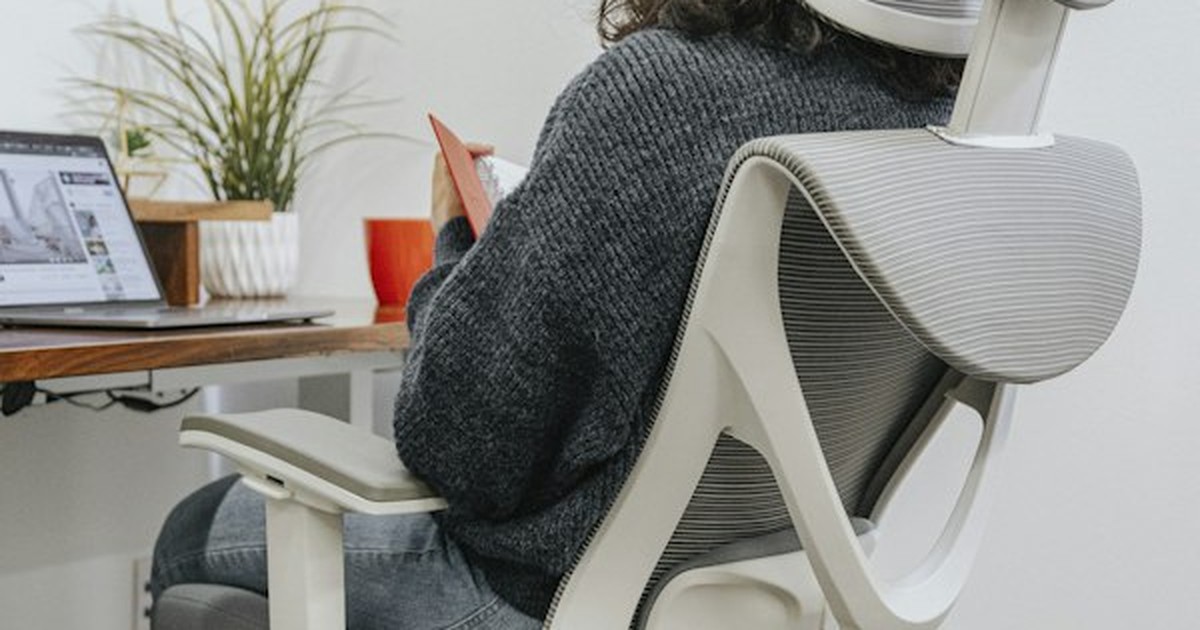
The lumbar spine naturally arches inward toward the navel—a curve known as lordosis. When sitting in unsupportive chairs, the pelvis tilts backward, flattening this arch and increasing compressive pressure on intervertebral lumbar discs by up to 150 percent compared to standing.
Invest in an ergonomic task chair with adjustable lumbar support that can be tuned vertically and horizontally. The lumbar pad should fit snugly into the small of your lower back, supporting L1 through L5 lumbar vertebrae without aggressively pushing your pelvis forward. Furthermore, embrace dynamic sitting: unlock chair recline tension to permit gentle backward rocking between 100 and 110 degrees, which distributes spinal load to the backrest and promotes fluid circulation through spinal cartilage.
Prioritizing physical wellness and biological rhythm at home creates holistic health benefits. Just as we discussed in our guide on evening unwind routines and blue light management for restful sleep, healthy posture preserves nervous system tranquility. Similarly, crafting a dedicated physical sanctuary mirrors the principles explored in our guide to creating a tranquil meditation corner in small spaces.

Ergonomic Workstation Setup Dimensions Reference
Utilize the target dimensions below to calibrate your home workstation based on individual body height:
| User Height Range | Ideal Seated Desk Height | Ideal Standing Desk Height | Monitor Distance Range |
|---|---|---|---|
| 5 ft 2 in – 5 ft 5 in (157–165 cm) | 24 to 25.5 inches (61–65 cm) | 37 to 39 inches (94–99 cm) | 18 to 22 inches (45–55 cm) |
| 5 ft 6 in – 5 ft 9 in (167–175 cm) | 26 to 27.5 inches (66–70 cm) | 40 to 42 inches (101–107 cm) | 20 to 24 inches (50–60 cm) |
| 5 ft 10 in – 6 ft 1 in (178–185 cm) | 28 to 29.5 inches (71–75 cm) | 43 to 45 inches (109–114 cm) | 22 to 26 inches (55–65 cm) |
| 6 ft 2 in – 6 ft 5 in (188–195 cm) | 30 to 31.5 inches (76–80 cm) | 46 to 48 inches (117–122 cm) | 24 to 28 inches (60–70 cm) |
According to workplace safety guidelines published by the OSHA Computer Workstations Ergonomics Guide, alternating between sitting and standing every 45 to 60 minutes stimulates circulation and reduces occupational fatigue by over 60 percent.
Five-Step Ergonomic Workspace Setup Sequence
- Adjust Chair Seat Height: Sit down with feet flat on the floor. Raise or lower cylinder until knees form a 90-degree angle.
- Tune Lumbar Depth: Adjust lumbar pad until it supports the lower spine without forcing an unnatural arch.
- Calibrate Desk Height: Adjust desk or armrests until elbows rest at 90 degrees with forearms parallel to the desktop surface.
- Raise Monitor to Eye Level: Use a monitor arm or riser stand so the top line of text sits directly at horizontal eye level.
- Deploy the 20-20-20 Rule: Every 20 minutes, gaze at an object 20 feet away for 20 seconds to relax ciliary muscles and release neck tension.
Frequently Asked Questions
Should I work on an exercise ball instead of an ergonomic chair?
While an exercise balance ball engages core stabilizer muscles, it lacks dedicated lumbar support, arm rests, and pelvic stabilization. Using a fitness ball for short 20-minute exercise intervals is beneficial, but using it as an all-day task chair leads to spinal fatigue and slumping.
Is working solely from a standing desk healthier than sitting?
No. Prolonged static standing carries health risks including varicose veins, plantar fasciitis, and lumbar joint compression. The ideal ergonomic routine is dynamic sit-stand alternation: sit for 45 minutes, stand for 15 minutes, and take a quick walking break.
How can I make working on a laptop ergonomically safe?
Never work directly on a flat laptop rested on a desk for full workdays, as the linked keyboard and screen force you to crane your neck downward. Place the laptop on a dedicated riser stand to elevate the screen to eye level, and connect an external wireless keyboard and ergonomic mouse.
Conclusion
Constructing an ergonomic home workspace setup is an indispensable investment in ongoing health, comfort, and professional performance. By aligning your desk and chair with natural joint biomechanics, providing firm lumbar support, and elevating your monitor to true eye level, you eliminate daily bodily pain and establish a workspace that supports long-term physical well-being.